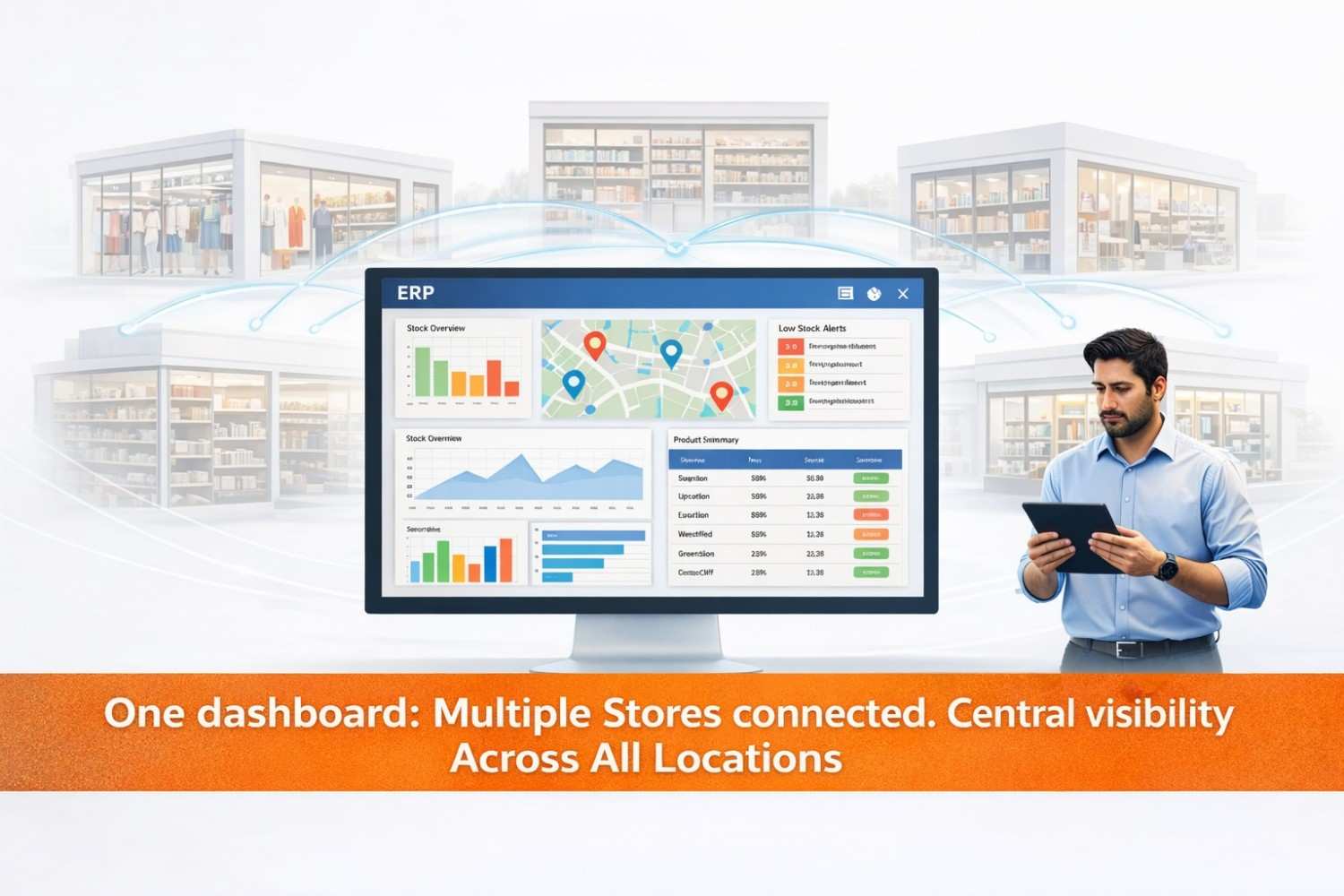
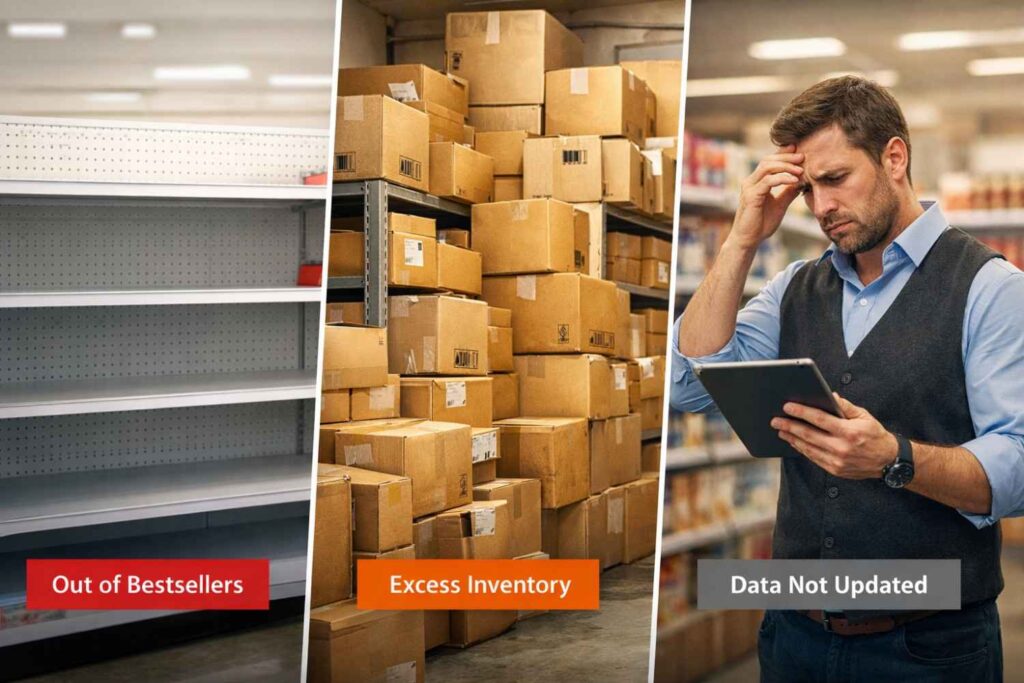
Picture this: you run three stores. One is running out of your bestselling product. The second has 40 units collecting dust in the back. The third? Nobody knows what is in stock because the count has not been updated in four days.
This is not a rare situation. It is Tuesday for a lot of growing retail businesses.
Once you cross a few hundred SKUs spread across multiple locations, spreadsheets stop being a system — they become a liability. And the bigger your catalog grows, the more expensive those gaps get: lost sales, emergency restocking, and hours of manual reconciliation that nobody signed up for.
The good news? This is precisely the kind of problem ERP (Enterprise Resource Planning) systems are built to solve. Not theoretically — practically, at the SKU level, across every store you operate.
In this blog, we break down how ERP handles multi-store SKU management, which features actually matter, common mistakes to avoid, and how to know when it is time to make the switch.
.99T
Annual cost of overstocks & stockouts — U.S. retail (IHL Group, 2024)
60%
Average reduction in stockouts after ERP adoption
20%+
Typical inventory turnover improvement post-ERP
Why SKU Management Breaks Down as Your Business Grows
There is a tipping point most business owners hit around 300-500 SKUs across two or more locations. That is the moment when the spreadsheet stops working.
Spreadsheets are not bad tools — they are just not built for real-time, multi-location inventory. Here is what typically breaks first:
- Inconsistent SKU naming across stores. Store A calls it Blue Polo M. Store B calls it Polo-Blue-Med. Your system sees two different products.
- No single source of truth. Each store manager keeps their own count. Head office works with data that is 3 days old on a good day.
- Manual stock transfer chaos. Moving inventory between locations means emails, phone calls, and two separate manual updates — if they happen at all.
- Buying decisions made on guesswork. Without centralized data, you over-buy slow movers and under-order bestsellers.
- Dead stock hiding in plain sight. Products that have not moved in 90 days keep getting reordered because no one has time to dig into the numbers.
The cumulative cost of all this is far more than the cost of fixing it. See how Hornettec unpacks the root causes in Why Retail Chains Struggle with Inventory Chaos.
What ERP Actually Does for SKU Management — Made Simple
When people say ERP manages your inventory, it can sound vague. Here is what it actually means at the SKU level.
One Clean SKU Master Record Across All Locations
ERP creates a single product master — one authoritative record per SKU that applies across every store. Standardized naming. Consistent units of measure. Identical product categories. No duplicates and no conflicts.
This sounds like a basic fix, but it is transformational. When every store operates from the same product data, every report, purchase order, and transfer request becomes accurate by default.
Real-Time Inventory Sync — No Delays, No Manual Updates
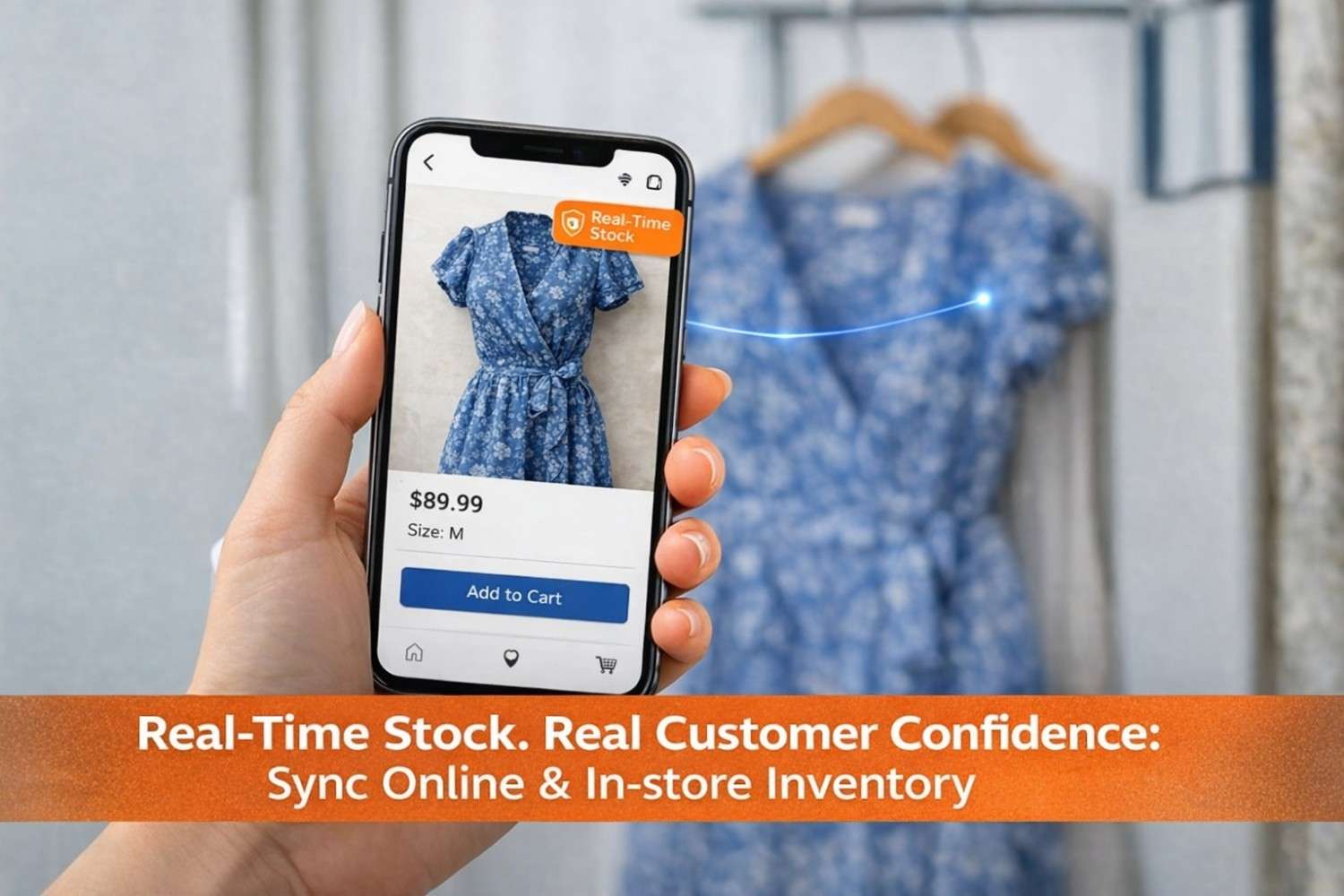
Every transaction — a sale, a return, a scan, a stock transfer — updates inventory across all connected locations instantly. A store manager at Location B can see exactly what Location A has right now. Your buyer sees the entire network from one dashboard.
SKU-Level Performance Analytics
ERP does not just track how much stock you have. It shows how each SKU performs: revenue contribution, turnover rate, location-specific demand, days of stock on hand, and slow-mover identification.
With built-in ABC analysis, you can classify your catalog into high-value movers, mid-range SKUs, and low-velocity products — and make restocking decisions that actually reflect how your business sells.
Quick Insight
If you are currently using a POS at each store but no central inventory tool, you are likely sitting on months of sales data you cannot actually use. ERP unifies that data and makes it actionable.
The 6 ERP Features That Directly Solve Multi-Store SKU Challenges
Not every ERP feature matters equally for multi-store retailers. These six are the ones that directly address SKU management at scale.
| The Challenge | Without ERP | With ERP |
|---|---|---|
| SKU naming consistency | Different across stores | Standardized master record |
| Inventory accuracy | Manual updates, often outdated | Real-time sync across all locations |
| Stock transfers | Email/phone + manual updates | Automated workflow with full tracking |
| Demand forecasting | Gut feel or spreadsheet | Data-driven, per-SKU per-store |
| Dead stock visibility | Buried in export files | Flagged automatically in dashboard |
| Purchase decisions | Based on estimates | Based on live inventory analytics |
What Actually Changes After ERP Goes Live
Numbers are useful, but the operational shift is what you will feel first. Here is what typically changes after a successful ERP rollout:
- Your operations manager stops spending 3-4 hours a week reconciling spreadsheets across stores.
- Your buyers stop over-purchasing because they can see exactly what is in stock versus what is actually selling.
- Store staff can check availability at other locations without calling anyone.
- Stockouts on top SKUs drop significantly because reorder triggers are automated.
- End-of-month reporting goes from a 2-day exercise to a real-time dashboard view.
A Real-World Example
A mid-sized FMCG distributor managing 4,200 SKUs across 5 regional stores implemented ERP and saw stockout occurrences drop by 58% in the first six months. Inventory reconciliation time dropped from 18 hours per month to under 4 hours. More importantly, the buying team shifted from reactive restocking to proactive planning — because they finally had the data to do it.
For fast-moving goods businesses specifically: hornettec.com/fast-moving-goods-need-faster-erp-systems
Is Your Business Ready for ERP? A Quick Self-Assessment
You do not need to be a 500-store enterprise to benefit from ERP. But there are clear signals that your current setup is holding you back. Check the ones that apply:
- I manage 300+ SKUs across 2 or more store locations
- My team spends 5+ hours a week manually reconciling inventory
- I have had at least one costly stockout or overstock in the last 6 months
- I sell across both physical stores and online channels
- I am planning to open a new location in the next 12 months
- My current POS does not give me real-time multi-store visibility
- I am making purchasing decisions based on estimates rather than live data
- Store managers cannot see what other locations have in stock
Checked 4 or more? ERP is not a future consideration — it is a present need.
Checked 2-3? Worth exploring your options now before the problems compound. A useful starting point is understanding the choice between custom and off-the-shelf ERP — Hornettec covers this comparison well.
Ready to tame SKU chaos?
Multi-store sync · automated reorder · dead stock alerts
How to Choose the Right ERP for Multi-Store Inventory
The ERP market is large and noisy. Rather than comparing vendors, here are the non-negotiables to look for when your primary challenge is multi-store SKU management:
- Real-time multi-location sync. Not batch-updated, not end-of-day. Genuinely real-time.
- SKU master data management. One product record consistently applied across all locations.
- Location-level reorder configuration. Per-store settings, not just global thresholds.
- Inter-store transfer workflow. Automated identification and processing.
- Demand forecasting tools. Historical data plus seasonality plus location-specific trends.
- POS and e-commerce integration. Critical if you run both online and offline channels.
- Cloud-based deployment. For accessibility, scalability, and lower IT overhead.
One thing often overlooked: the difference between a software vendor and an implementation partner. A vendor sells you a license. A partner ensures the system actually works for your specific business — from data migration to staff training to post-launch optimization.
That distinction matters significantly when you are managing thousands of SKUs across multiple locations and cannot afford a messy rollout. Hornettec’s ERP consulting and implementation service is built for businesses that need hands-on guidance through that process.
Frequently Asked Questions
How does ERP help manage thousands of SKUs across multiple stores?
ERP centralizes all product data into a single master record shared across every location. Every transaction updates inventory in real time. This eliminates manual reconciliation, removes data silos, and gives you accurate stock counts across your entire store network at any moment.
At what point does a business actually need ERP?
Most businesses hit the ceiling around 300-500 SKUs across 2 or more locations. Key signals: recurring stockouts on bestsellers, excessive manual reconciliation time, no real-time cross-store visibility, and purchasing decisions based on estimates rather than live data.
Can ERP integrate with my existing POS system?
Most modern ERP systems integrate with common POS platforms, e-commerce platforms, and accounting software. Confirm API compatibility before selecting your ERP. A good implementation partner assesses this during the discovery phase.
How long does ERP implementation take for a multi-store retailer?
A mid-sized multi-store retailer typically goes live in 8-16 weeks. The biggest variable is data readiness — specifically how clean your product master and historical transaction data are before migration begins.
What is the difference between inventory software and a full ERP?
Inventory management software handles stock tracking only. A full ERP connects inventory to purchasing, sales, finance, and reporting in one unified system. For multi-store businesses, the integration between inventory and purchasing is where the biggest operational gains happen.
Is cloud ERP better than on-premise for multi-location retail?
For most growing multi-store retailers, yes. Cloud ERP offers real-time access from any location, lower upfront costs, automatic updates, and easier scalability as you add stores. On-premise suits businesses with specific data residency or offline access requirements.
The Bottom Line: SKU Chaos Is a Solvable Problem
Managing thousands of SKUs across multiple stores does not have to mean constant firefighting. It does not have to mean weekly reconciliation marathons or purchasing decisions made with incomplete data.
ERP solves the structural problem — not just by giving you better tools, but by creating a single connected system where every SKU, every store, and every transaction is visible and accurate in real time.
The retailers that get ahead are not necessarily the ones with the most products or the most locations. They are the ones who know their numbers — what is moving, what is sitting, and what needs to be ordered before the shelf runs dry.
That is what ERP gives you. And it is the kind of operational clarity that compounds over time.
Take control of your SKUs — across every store
www.hornettec.com
+973 3422 1784 | +973 35047257